

Interactive Tutorial
SSH-MITM ships with a browser-based, step-by-step tutorial that demonstrates its core interception techniques without requiring an external target server. Each exercise automatically starts a built-in mock SSH server, so you can explore the tool safely in an isolated environment.
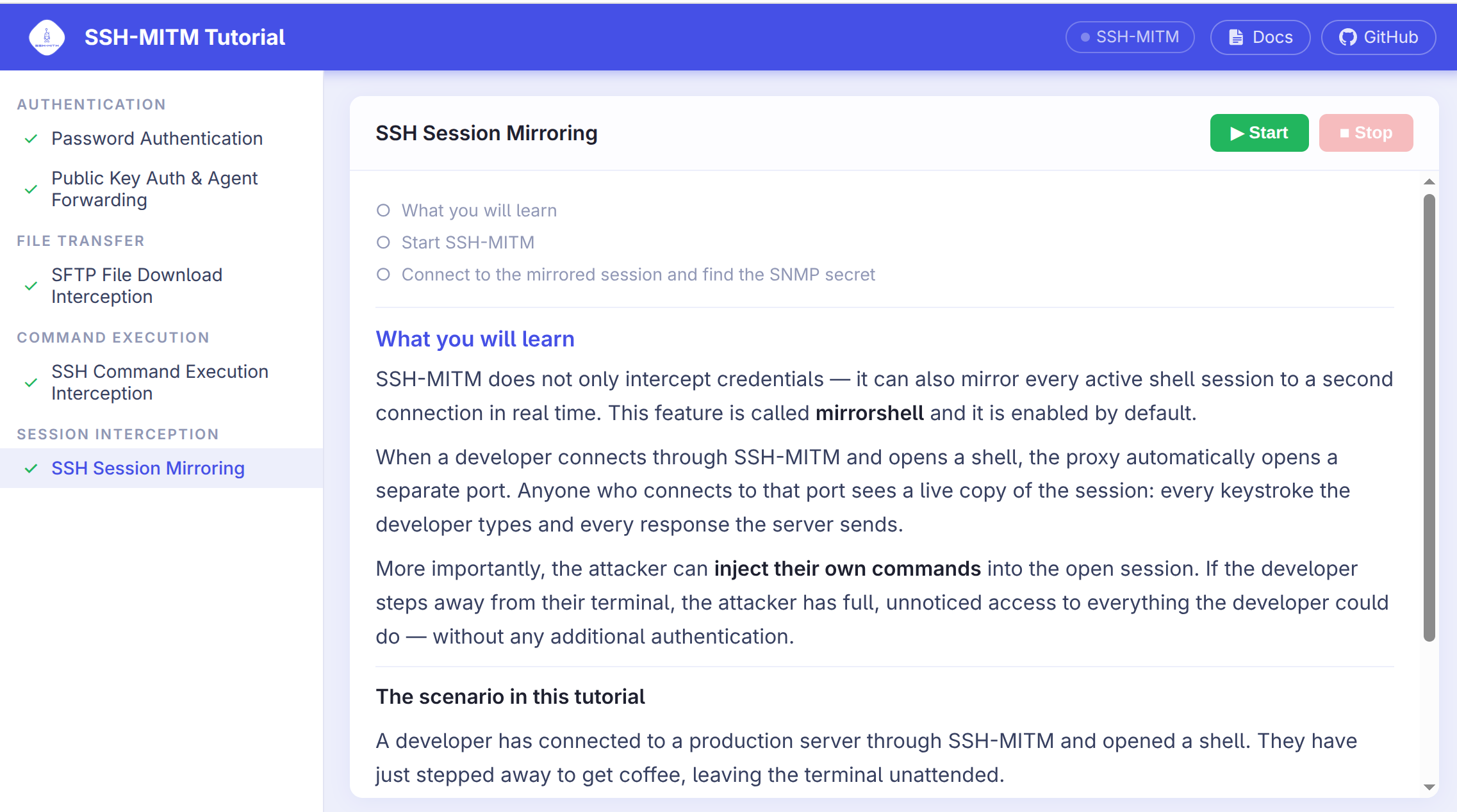
Starting the tutorial
$ ssh-mitm tutorial
This opens the tutorial in your default browser. A random free port is used
by default; pass --port to use a fixed port, or --no-browser to
suppress automatic browser launch.
Built-in tutorials
Tutorial |
What you learn |
|---|---|
Password Authentication |
How SSH-MITM intercepts plaintext passwords during login |
Public Key Auth & Agent Forwarding |
Intercepting public-key sessions and forwarded SSH agent keys |
SFTP File Download |
Capturing and replacing files during SFTP transfers |
SSH Command Execution |
Intercepting non-interactive SSH commands |
Session Mirroring |
Attaching to a live shell session as a silent observer |
Adding custom tutorials
Extra tutorials can be installed as Python packages. Register your tutorial
class under the sshmitm.Tutorial entry point in your package’s
pyproject.toml:
[project.entry-points."sshmitm.Tutorial"]
my-tutorial = "my_package.my_module:MyTutorial"